
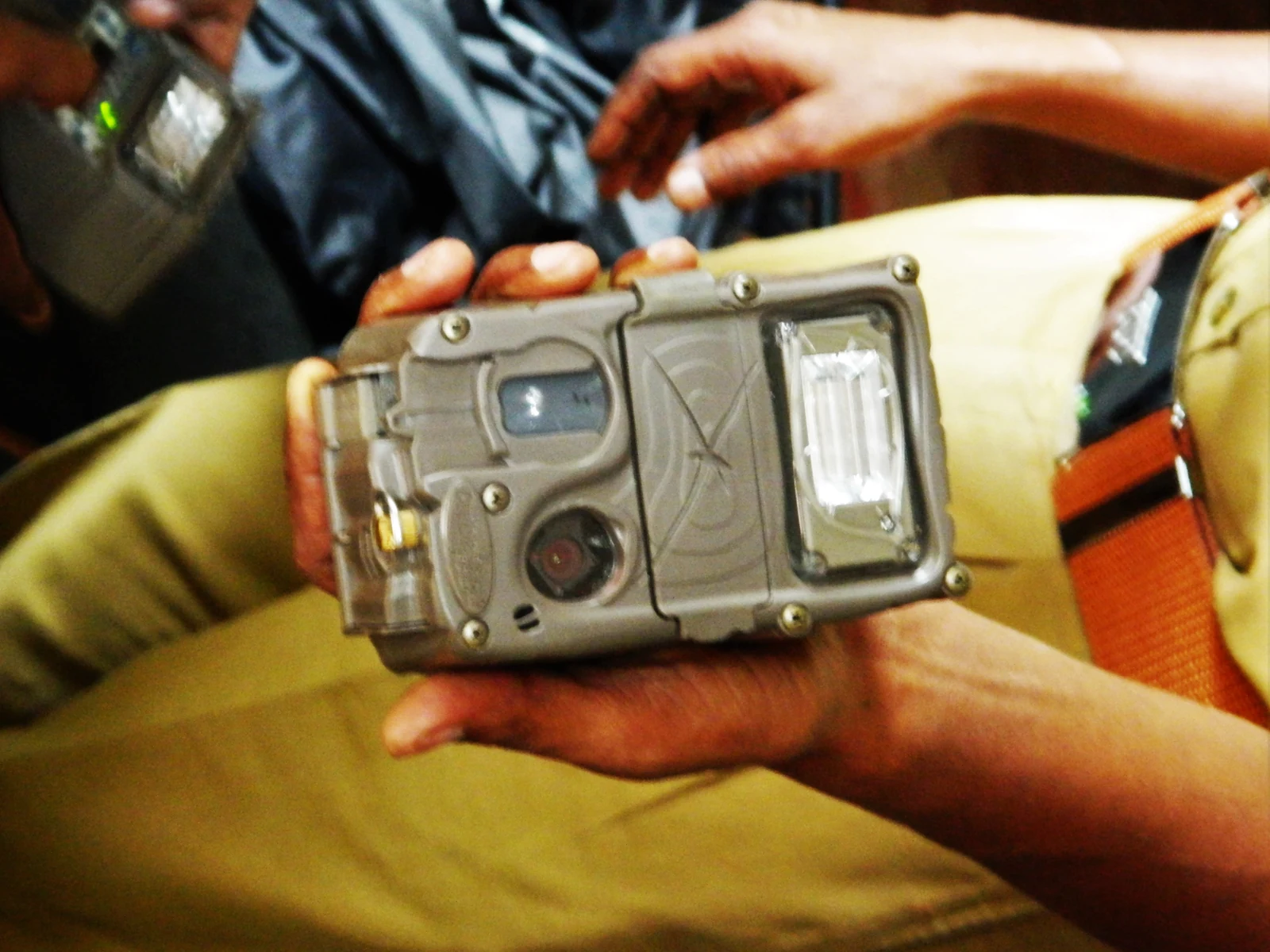

Choose the question before choosing the tree
Begin with a specific scouting question. Do you want to know whether deer use a crossing, which direction they travel, or when activity occurs along an edge? A camera covering an entire clearing may be less useful than one covering the exact route that answers your question.
Build your camera placement around a defined capture area. Identify where you expect an animal to enter, where it should be when recorded and what may hide it. The most convenient tree is only suitable if it provides that view. Obtain permission and avoid pointing into spaces where people reasonably expect privacy.
Prepare everything at home
Read the manual for the precise model and install its approved power source. Set the date, time and temperature units. Give the camera a recognizable name so its files remain identifiable later. If it uses removable storage, confirm the SD card compatibility before inserting a spare card simply because it fits.
Back up existing files before formatting. Activate a cellular camera and send a test image while help and a stable connection are available. SPYPOINT's FLEX preparation instructions specifically include an activation and transmission check.
Pack spare approved batteries, a suitable card where needed, the mounting strap, a card reader and the tools required by your mount. Photograph the camera's identifier and initial settings. Home preparation cannot prove field reception, but it removes avoidable setup problems.
Aim for the animal, not the horizon
A useful mounting height follows the animal and terrain. For deer, SPYPOINT gives roughly 3 feet or 1 meter as a starting reference in its detection guidance. That is a starting point, not a universal rule. A raised trail, steep slope, deep snow or smaller target animal changes the geometry.
Use a crossing angle that keeps the animal in the scene long enough to record it. Avoid an extreme overhead view unless concealment or the location requires it. If mounting high, test the downward angle carefully: it can shorten the area covered near the ground.
Place the camera on a stable mount. A small tree that moves in wind changes both framing and the sensor's view. Keep the strap secure without covering the lens, PIR window, microphone or antenna. Check the latch and seal before you step away.
Manage sun, vegetation and nighttime reflections
Inspect the whole scene, including the nearest few feet. A branch beside the lens can dominate infrared exposure at night even when it looks harmless during daylight. Aim to maintain a clear detection zone and an unobstructed view of the expected route.
Where practical, avoid pointing directly toward low morning or evening sun. A northerly view can be a useful starting preference in many North American locations, but terrain and animal movement still govern the final aim. An integrated solar panel introduces a competing need for sunlight. An external panel can sometimes let you aim the camera and panel independently.
Do not clear vegetation indiscriminately. Repositioning may solve the problem without altering habitat. If permitted trimming is necessary, remove only what affects the scene. Take a night test to identify bright foreground reflections and dark gaps that daylight setup cannot reveal.
Use a simple first-deployment settings plan
| Location | Initial priority | Check after testing |
|---|---|---|
| Narrow crossing | Capture the start of movement | Approach angle, trigger mode, delay |
| Slow activity area | Useful identification without excess repetition | Burst size, delay, photo volume |
| Open windy edge | Stable detection and clear framing | Mount movement and nearby vegetation |
| Remote cellular site | Reliable upload and sustainable power | Field test image, signal and transmission schedule |
These are setup priorities, not universal menu values. Start with the manufacturer's recommended capture settings, then adjust based on the intended event. A long delay may conserve storage while hiding the animals that follow the first one. A large burst may be helpful at a fast crossing but wasteful at a stationary scene.
Walk-test, verify and record the installation
Walk through the expected route in both directions. Review where you first appear and whether you remain in the frame. On uneven ground, test the actual path rather than a convenient level area in front of the tree. Repeat after changing height or aim.
For a cellular model, confirm field reception by receiving an actual test image from that tree. A coverage map or your phone's signal bars alone cannot establish that the camera will upload there. Record the time of the test so you can distinguish a new photo from an earlier queued upload.
Finish with a deployment checklist: correct mode, armed camera, closed housing, secure mount, timestamp, power, storage and confirmed test. Keep a private location record and plan the next check around activity and access. Treat the first deployment as a measured starting point, then change one variable when the evidence shows a problem.
Straight answers
Frequently asked questions
How high should a trail camera be for deer?
Around 3 feet, or approximately 1 meter, is a reasonable starting reference in SPYPOINT guidance. Final height should align the detection area with the animal on the actual terrain. Slopes, snow and a high concealment mount change the required aim. Confirm the result with a walk test rather than relying on height alone.
Should a trail camera face north or south?
Avoiding direct low sun is usually more useful than following a compass rule blindly. A northerly view is often a practical starting point in North America. Cameras with integrated solar panels may need different orientation for charging. Prioritize the animal route, test image quality and follow the exact model instructions.
Is it better to point a trail camera down a trail or across it?
An angled view across the route often provides a useful combination of detectable movement and time in the frame. A straight-on approach may produce less change across the PIR pattern. A perpendicular view can be brief on a narrow crossing. Test several angles and choose the one that captures the intended event.
How far should a trail camera be from a deer trail?
There is no single correct distance for every lens, detection system and terrain. Start well inside the claimed maximum range, then walk the actual route. Confirm that the whole animal fits in the frame and that night illumination reaches it. Move closer if distant animals remain too small or unreliable to detect.
Why is my trail camera missing deer after installation?
First confirm that the camera is armed and in the expected mode. Inspect capture delay, storage and power, then test the route at the installed height. A detection area aimed above or below the trail can miss animals despite an attractive photo composition. Review photo and video startup separately.
How soon should I check a newly installed trail camera?
Choose an initial check that is practical for access and the importance of the site. The purpose is to verify operation before a long unattended period, not to follow a universal number of days. Cellular status can help, but it does not replace checking mount security, lenses, seals and the surrounding vegetation when needed.
Sources & verification
Sources checked October 24, 2026. Product revisions, service terms and seller offers can change. Source observations are not our own test results.
- SPYPOINT: How the Detection System Works
- SPYPOINT: Before Installing a FLEX Camera
- SPYPOINT: Installation considerations
- Moultrie: Too Many Pictures
More from the journal